
Docs
Pixel Flow user manual and best practices
Find scanning, filtering, image details, library, export, account, and industry workflow guidance by task.
Image Details and Metadata
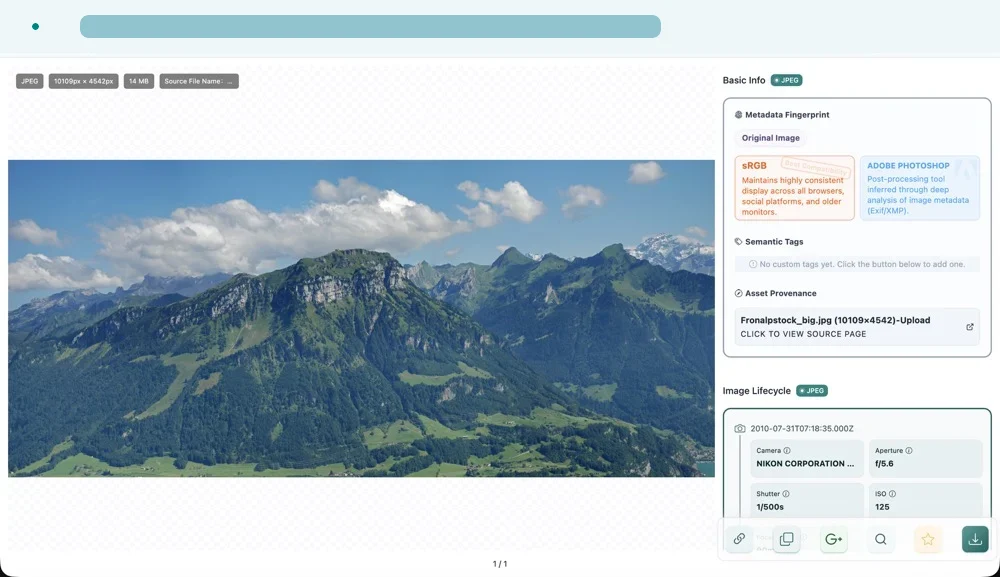
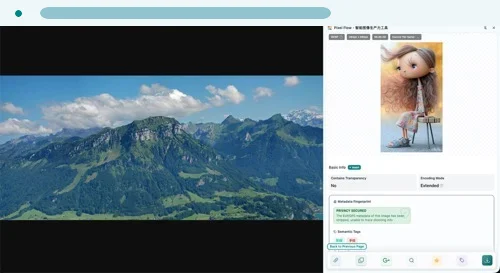
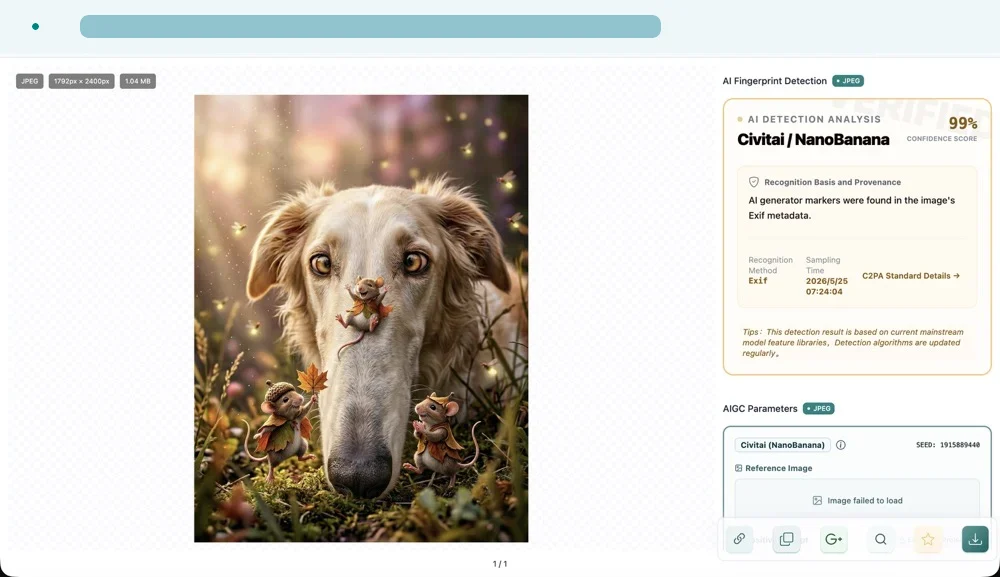
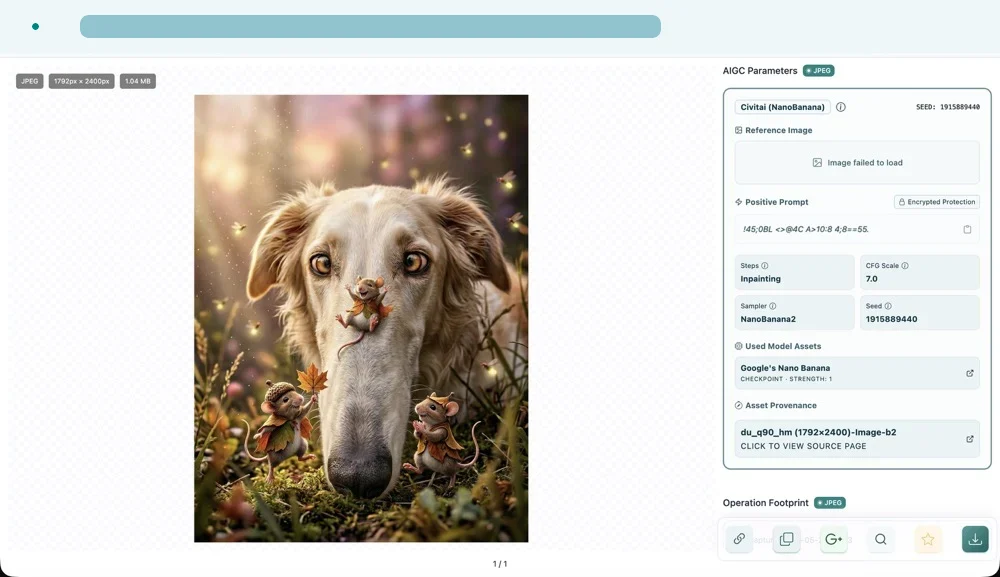
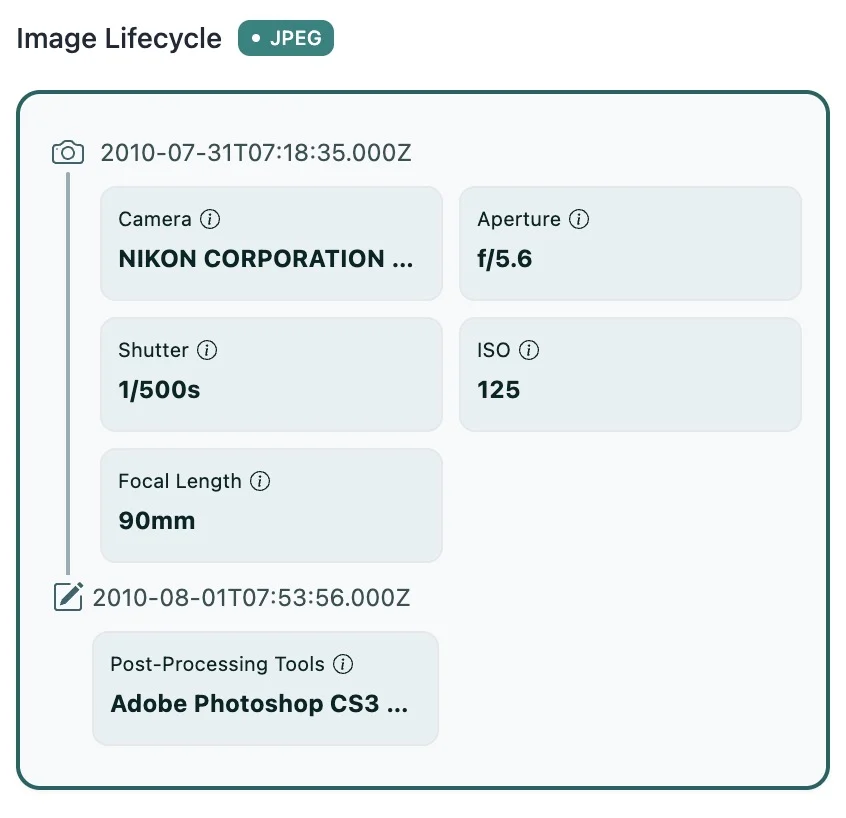
Image details help you review dimensions, format, source context, available metadata, color, and technical signals. Some results are inferred from file content or metadata and should be treated as reference signals, not ownership or legal conclusions.
Usage Tip
Treat metadata as evidence to review, not a final answer. For licensing, copyright, portrait rights, or commercial reuse, verify the original source and authorization records.